Getting Started with Electron
I set up an environment to try Electron, which I had only heard about for a long time.
What is Electron?

Electron (formerly Atom Shell) is an open-source framework developed by Cheng Zhao and now developed by GitHub. It enables the development of desktop graphical user interface applications using front-end and back-end components originally developed for web applications: the Node.js runtime for the back end and Chromium for the front end. Electron is a major GUI framework behind several notable open-source projects, including GitHub’s Atom, Microsoft’s Visual Studio Code source code editor, the Light Table IDE, and the freeware desktop client for the Discord chat service. (translated from Korean)
The versions of node and npm I was using were old, so I updated them before installing Electron.
#node update
$ sudo npm install -g n
$ sudo n latest

#version check
$ node -v
$ npm -v
After that, I downloaded quick-start from git and ran it.
# Clone the repository
$ git clone https://github.com/electron/electron-quick-start

# Move into the repository
$ cd electron-quick-start

# Install the dependencies and run
$ npm install && npm start
But when I ran npm install as above, a permission error occurred!
So I looked at the related issues and ran the install as below, and the permission error no longer occurred.
$ sudo npm install electron --unsafe-perm=true --allow-rootHowever, a problem occurred where electron stopped during node install.js.
So I checked the stuck on postinstall issues, and it turned out it was not stuck; it was just taking a long time because of the connection speed.
In the end, I decided to add the –verbose option again and wait patiently.
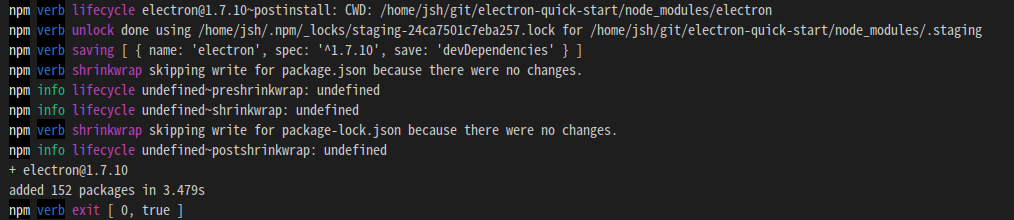
After waiting about 8 minutes, the installation completed!
Then I ran npm start!
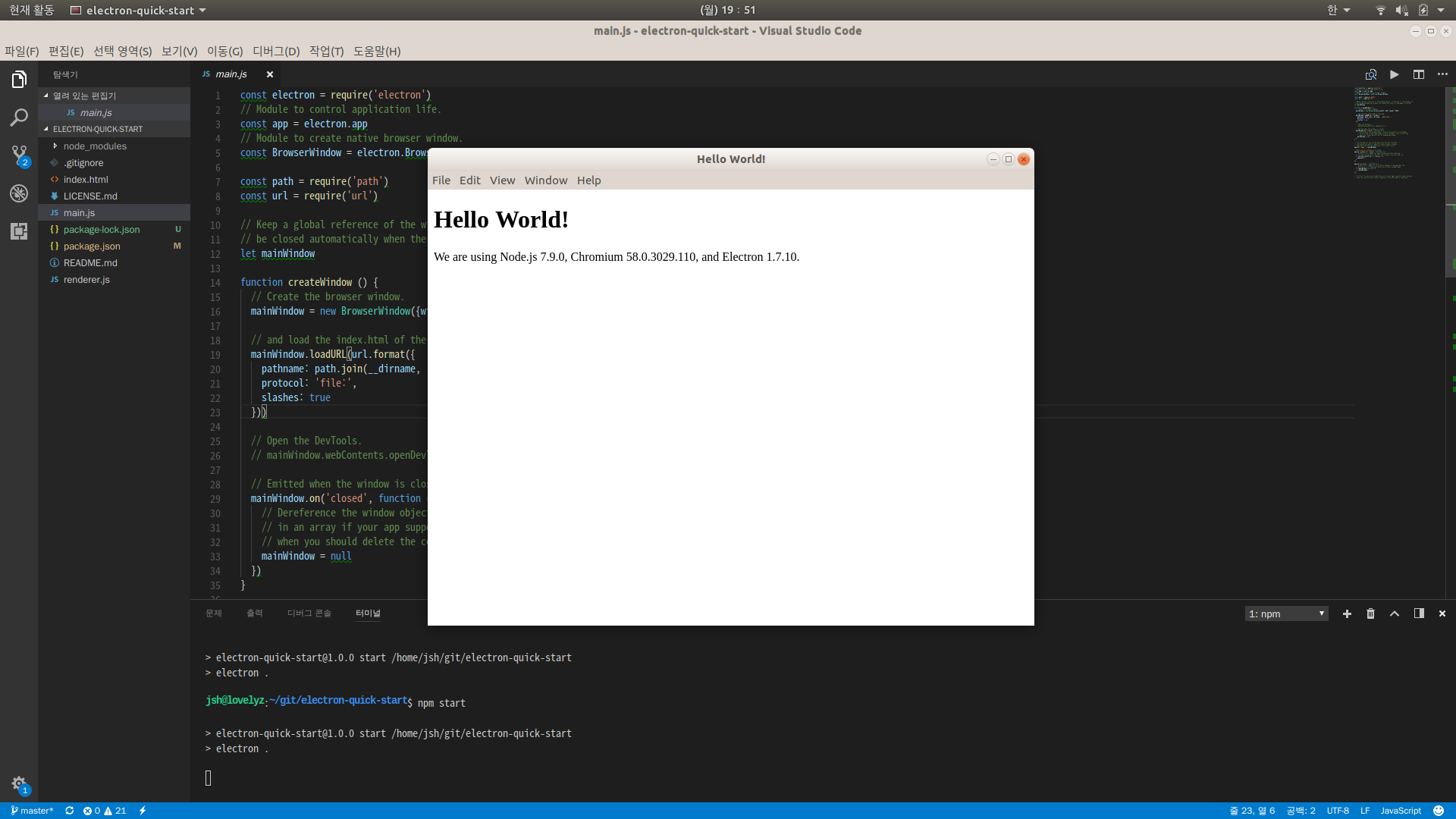
It ran normally.
Electron API Domes
Now let’s install the API live demo!
$ git clone https://github.com/electron/electron-api-demos.git

$ cd electron-api-demos

$ sudo npm install --unsafe-perm=true --allow-root

$ npm start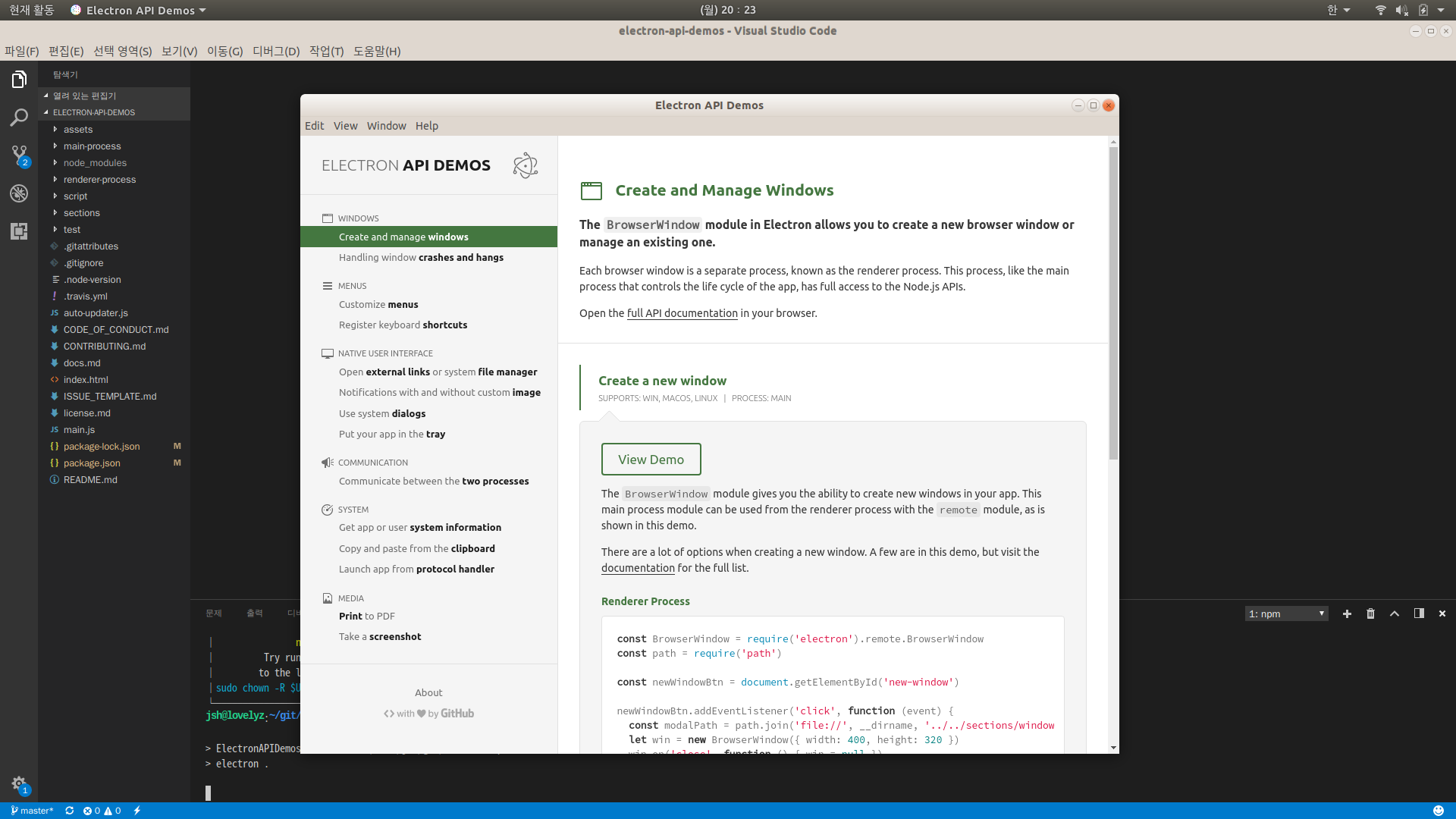
Looking around, it seems that not everything in the documentation is there.
Still, I should start by studying this.